Calendly vs Built-In Booking for Pet Sitters: What Actually Converts?
Your booking tool is your cash register. Here's how Calendly stacks up against a custom, built-in flow—and a simple way to test which one converts better for your clients.
Why Booking Choice Matters
Let’s slow this down for a second, because this is the part most pet-care businesses overlook.
Your booking system isn’t “just a form” or “just a calendar.”
It’s the moment where curiosity becomes commitment — where someone who was just browsing decides,
“Yep, let’s book.”
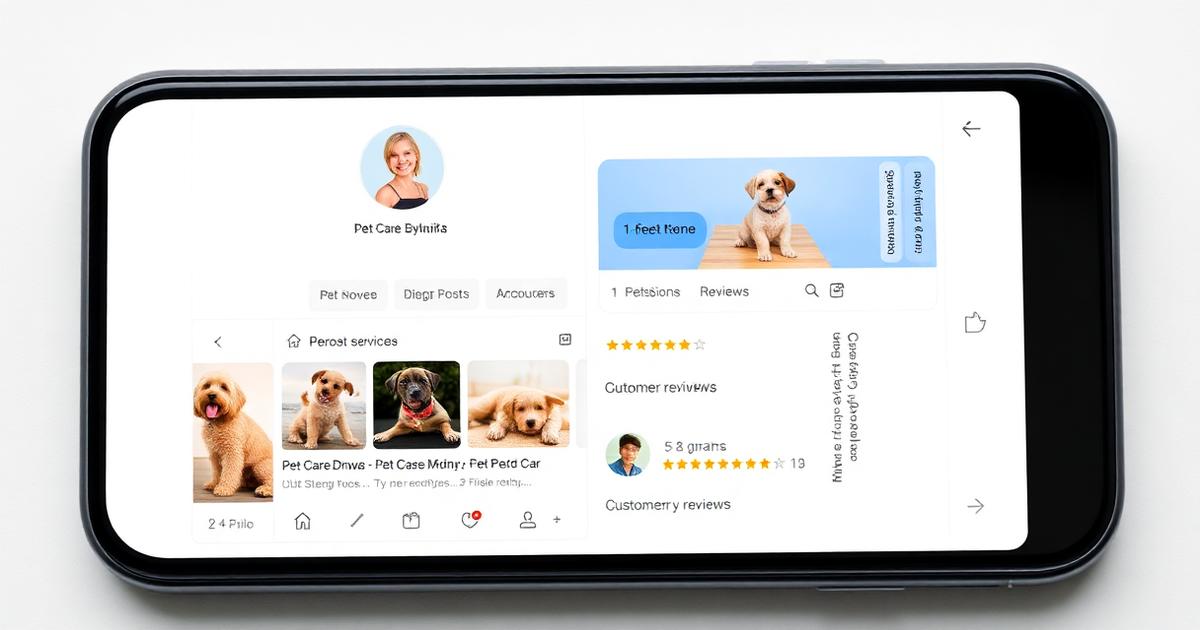
And on mobile — where over 70% of pet service bookings happen — every extra tap, redirect, or loading delay quietly chips away at your conversion rate. None of this is about whether Calendly is “good” or a custom MERN system is “better.” It’s really about friction, trust, and how quickly a parent can book without stress or confusion.
You’d be surprised how often businesses lose bookings simply because the process “felt long,” or the page didn’t load instantly, or the form asked for too much too early. The tool isn’t the issue — the experience is.
If you’re reading this thinking,
“Maybe my booking setup could be smoother…”
you’re already ahead. Most pet pros don’t pause to reflect like this.
Let’s explore your two main options with clarity and no judgement.
Calendly: Strengths & Trade-offs
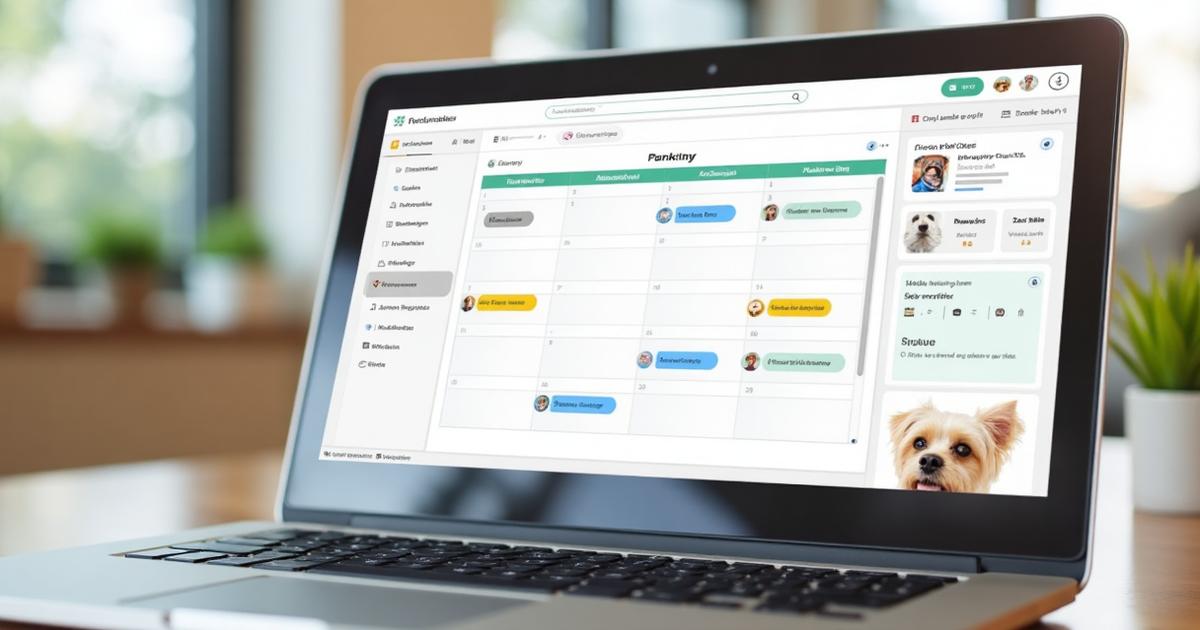
Calendly is genuinely one of the easiest, cleanest ways to get bookings flowing with minimal fuss. Think of it as a stable starter engine — not fancy, but incredibly reliable.
Strengths
-
Zero dev time:
You can embed it in about five minutes. No code rewrites. No deep integrations. -
Mobile-optimized:
Calendly just works on phones. Buttons are thumb-friendly, loading is fast, flow is simple. -
Buffer management:
It handles travel time automatically — essential for walkers and sitters doing back-to-back visits. -
Multiple services:
Perfect if you offer walks, grooms, home visits, puppy sessions — each with different durations. -
Availability sync:
Your Google/Apple calendar stays in sync. No double-booking. No confusion. -
Automated reminders:
Reduces no-shows without any extra effort on your side.
This is why so many pet pros start with Calendly. It lets you learn your pattern of bookings before you invest in something custom.
Trade-offs
These aren’t “problems” — just the natural limitations of an external tool.
-
Brand dilution:
The “Powered by Calendly” footer is small, but it does slightly shift trust away from your brand. -
Limited customization:
You can’t fully match your site's look, colours, layout, or voice. -
External redirect:
Some flows take users onto Calendly’s domain, which can impact high-end branding feel. -
Pricing tiers:
To unlock more advanced features, you’ll need a paid plan.
Calendly is perfect when you’re building momentum. Later, you may crave more control — and that’s normal.
Built-in Booking (Custom MERN): Strengths & Trade-offs
A custom-built system is for when your business is maturing and you crave ownership, deeper automation, and brand consistency.
Strengths
-
Brand consistency:
Your booking page looks exactly like your website — fonts, colours, spacing, tone. -
Data ownership:
No third-party dependency. You control customer data, flow, and analytics end to end. -
Custom workflows:
Perfect for walkers, groomers, trainers with edge cases like:- Meet & greet required before first booking
- Behaviour intake forms
- Multi-pet pricing logic
- Breed-dependent timing
- Health disclosures
-
Integration flexibility:
Connect directly to your CRM, automation tools, review prompts, and payment flows. -
No ongoing fees:
Once it’s built, you’re not paying monthly for booking features.
This route is powerful, but it comes with responsibility.
Trade-offs
-
Development time:
Expect 2–4 weeks for an initial build, depending on complexity. -
Ongoing maintenance:
Any platform you own needs light updates, bug fixes, and periodic security checks. -
Mobile optimization:
You’ll need thorough testing — iPhones, Androids, tablets, slow connections. -
Feature parity:
Calendly’s best features took years to build. Replicating them takes time and careful planning.
A custom system is often the second step, not the first — and that’s perfectly okay.
The 7 Conversion Rules
Regardless of which system you choose, there are timeless principles that influence whether someone actually completes a booking.
These apply to every platform:
1. Mobile-First Design
Buttons should be:
- Large
- Easy to tap
- Available without scrolling
Typing should be minimal. Ideally: name, email, pet name, and that’s it.
2. Social Proof
Show something subtle but reassuring:
- “127 pet parents booked this week”
- “Trusted by families across Northampton”
It helps anxious owners feel confident.
3. Scarcity Indicators
Light, ethical scarcity works:
- “3 slots left this weekend”
- “Evening visits fill fast”
Not pressure — clarity.
4. Clear Pricing
No surprises.
People abandon the flow instantly if they sense hidden fees.
5. Minimal Form Fields
Ask only for what you need to confirm the booking.
Collect extras later.
6. Trust Signals Nearby
Place near your booking widget:
- Insurance badges
- DBS statement
- Testimonials
- “Fear-free handling” note
This is where nervous pet parents convert.
7. Immediate Confirmation
End with:
- Calendar invite
- “What happens next” message
- Contact details
People fear uncertainty. Clarity converts.
Lightweight A/B Test (2 Weeks)
If you're not sure which flow your customers prefer, don’t guess — test.
A gentle, simple A/B test can save you months of uncertainty.
Setup
-
Split traffic 50/50:
Tools like Google Optimize or basic routing within your site. -
Duration:
Minimum of 2 weeks to avoid “weekend bias.” -
Sample size:
Aim for at least 50 completed bookings to avoid random noise.
Success Metrics
-
Primary:
Booking completion rate
(Visits → Confirmed bookings) -
Secondary:
- Time to book
- Form abandonment
- Mobile vs desktop differences
These metrics help you understand the experience, not just the outcome.
Decision Rule
Switch only if the alternative is:
- ≥15% better
- With at least 50 total bookings
Smaller gains aren’t usually worth the operational switch.
This keeps your decisions grounded in reality, not vibes.
Implementation Tips
These are practical building blocks to help you implement whichever option you choose.
Calendly Embed Snippet (React)
import { InlineWidget } from "react-calendly";

export default function BookNow() {
  return (
    <div className="mx-auto max-w-2xl p-4">
      <h1 className="text-2xl font-semibold mb-2">Book a visit</h1>
      <p className="text-sm mb-4">Choose a time that suits. Deposits refundable up to 14 days before.</p>
      <InlineWidget url="https://calendly.com/coffee-chat-with-ayobami-haastrup/consultation-call" />
    </div>
  );
}
Custom Flow Checklist (For MERN Builds) Payment processing: Stripe PaymentIntent for deposits
Reliability: Webhooks with retries and idempotency
Communication: SMS/email provider integrated cleanly
Analytics: GA4 events for tracking funnel drop-off
Error handling: Clear, friendly message for pet parents
These details are what make a custom system “feel premium.”
What Most Pet Pros Should Do Here’s the most honest, balanced advice — and it’s based on real-world patterns, not theory:
Start with Calendly.
Why?
It validates demand fast
It shows you your busy times, low times, and bottlenecks
It requires no coding while you’re still figuring out patterns
You learn what features you actually need before paying for custom dev
Then, once you’re consistently doing 50+ bookings per month, and you’ve collected real data about:
Drop-off points
Most-booked services
Device behaviour
Customer expectations
…you’ll know exactly what to build in your custom MERN system — and you won’t waste a penny.
You don’t need to be perfect from day one. You just need a clear, low-friction path that lets people book you easily.
And you’re already thinking more strategically than most pet pros ever do, which puts you in a great place to build something that grows with your business.
If you want, I can also help you:
Map out your full booking funnel
Write your confirmation emails, reminders, and policies
Design your MERN booking UI with mobile-first layouts
Build your A/B test plan
Draft your entire booking microcopy
Just let me know — happy to support you all the way.
Get Personalized Help
Ready to implement these strategies? Book a free consultation to discuss your specific needs, or explore our complete pet-care web design services for comprehensive solutions.
Frequently Asked Questions
Should I use Calendly or build my own booking system for my pet sitting business?
Start with Calendly to validate demand and learn booking patterns. Once you're doing 50+ bookings per month, consider a custom system if you need more brand control or specific features.
How do I test which booking system converts better?
Run a 2-week A/B test with 50/50 traffic split. Measure booking completion rates and switch only if you see ≥15% improvement with ≥50 total bookings for statistical significance.
What are the main drawbacks of using Calendly for pet services?
Brand dilution with 'Powered by Calendly' footer, limited customization options, external redirects away from your domain, and pricing tiers for advanced features.
How long does it take to build a custom booking system?
Typically 2-4 weeks for initial development, plus ongoing maintenance for updates and security patches. Factor in mobile optimization and integration testing time.